
Where you can find your claim?
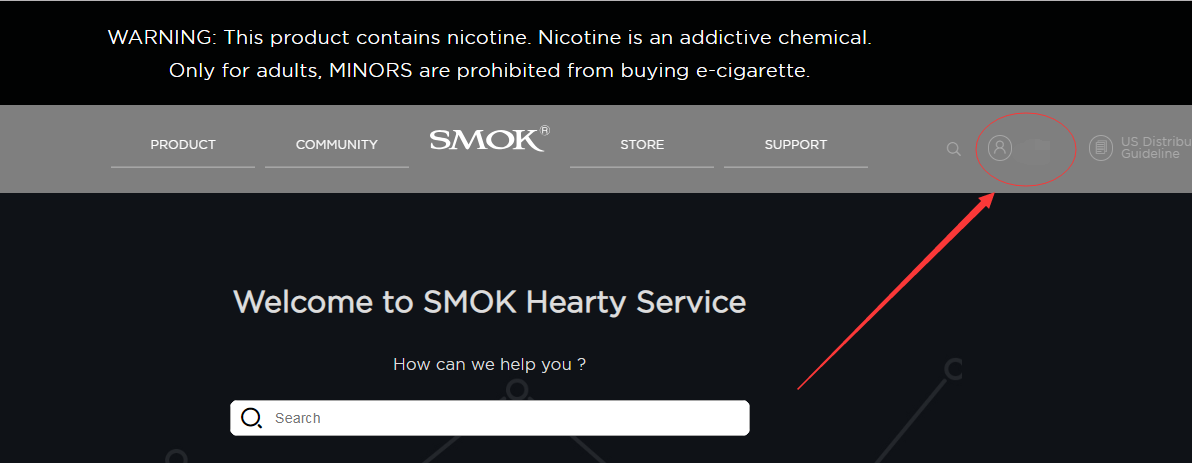
1. Come into the page: https://www.smoktech.com/support, then pick your personal information icon.
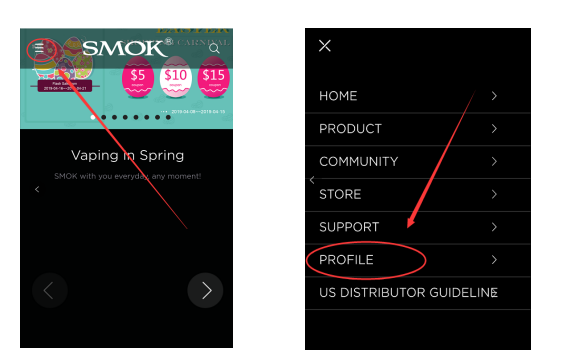
If you use the phone, then you can find it as below.
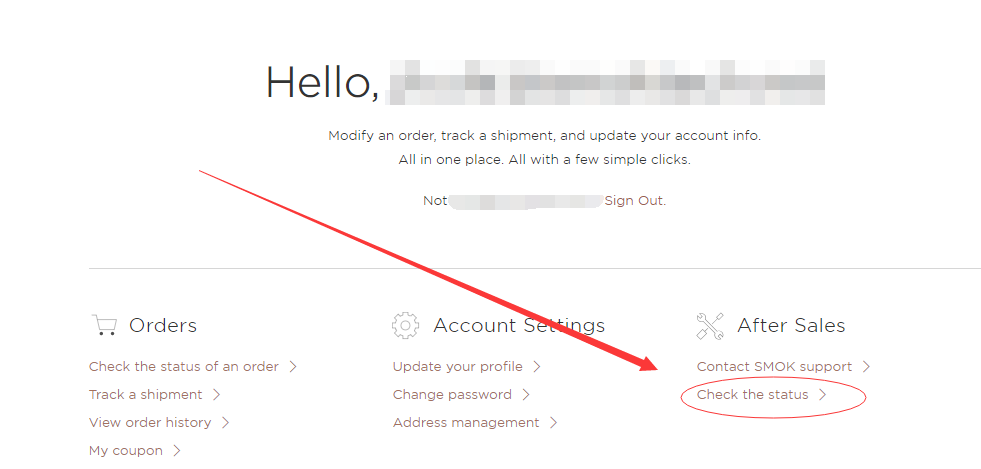
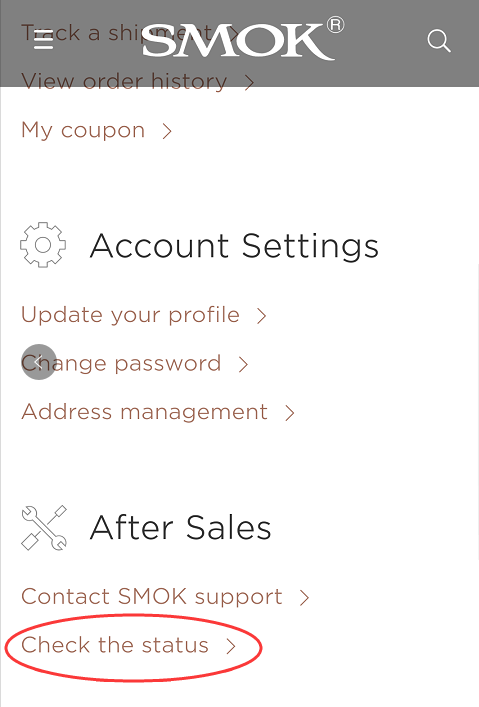
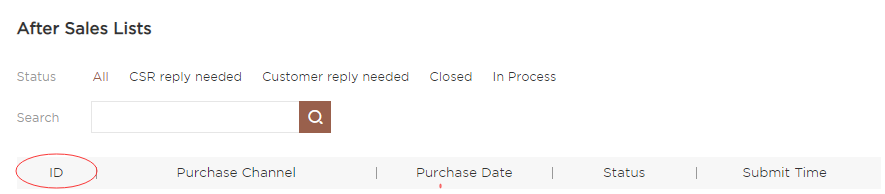
2. See the After Sales section, pick the Check the Status.
3. You will see all of your claim orders on this page. One ID for one claim.
 Return to list
